
Waiting in a rental counter line is nobody's favorite part of a trip. The good news: it's not actually required anymore, at least not with a direct rental.
What "Skip the Counter" Really Means
Traditional rentals mean showing up, waiting in line, and getting upsold on insurance and add-ons while a clock ticks behind you. Direct booking flips that. You choose your vehicle, see the full price, and confirm everything online before you ever show up.
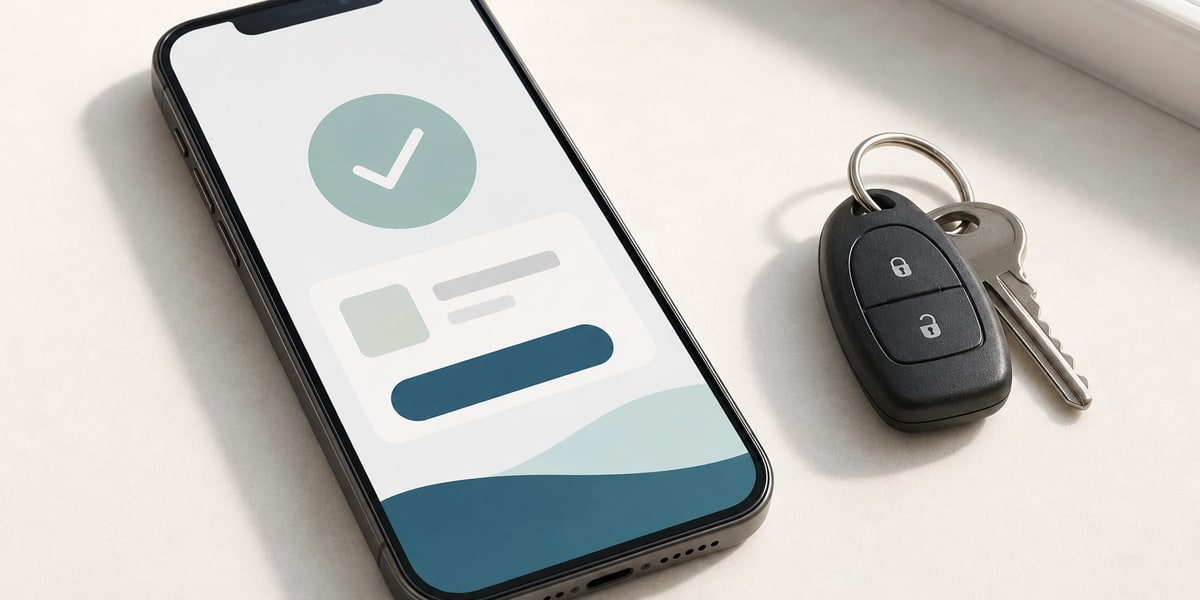
How the Process Actually Works
- Pick your vehicle and see the real price. No guessing what fees might get added later.
- Book and pay online. Your reservation is confirmed before you arrive, not decided at a counter.
- Show up and go. No line, no upsell pitch, no waiting behind someone else's paperwork.
Why This Actually Saves Time, Not Just Hassle
A counter rental can easily add 20-30 minutes even with a reservation, since staff still process paperwork and offer add-ons in person. Direct booking moves all of that online, before you ever arrive.
Skipping the counter isn't just about convenience. It's about knowing your price, your vehicle, and your terms before you ever show up.
How We Actually Do This
Every DriveonHTX booking is confirmed online before pickup — vehicle, price, and any add-ons already set. When you arrive, you're picking up a car, not starting a transaction.
The Bottom Line
Skipping the counter isn't just about convenience. It means knowing your price, your vehicle, and your terms before you ever show up, not finding out at the last minute.
Ready to Book?
See the real price and book your vehicle online — no counter, no line, no waiting.
Browse the Fleet →